Private Python practice
with a local AI tutor.
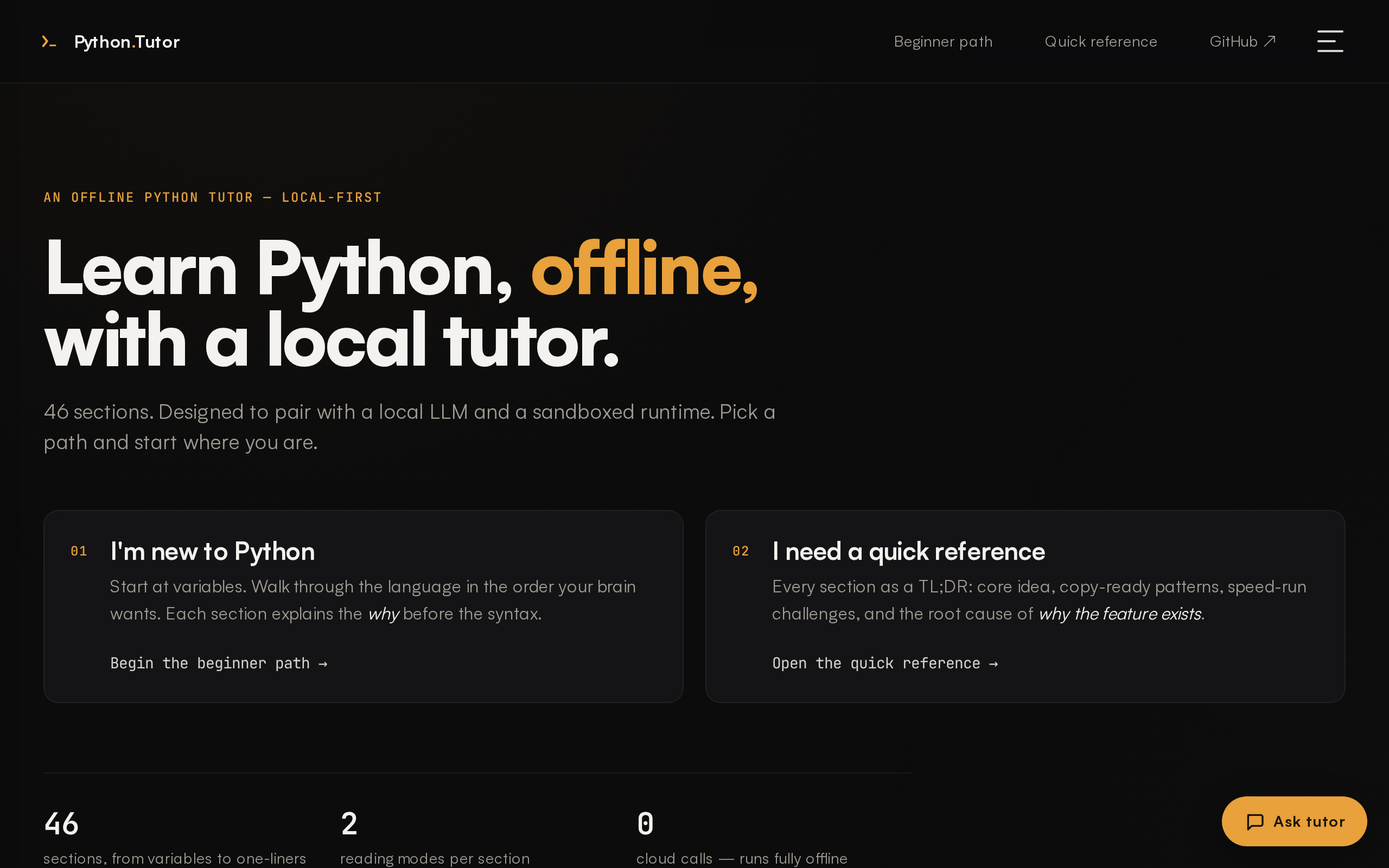
Lessons, an interactive code lab, and a chat mentor — powered by a local LLM (Gemma via Ollama). Your code and your questions never leave your laptop.
- No accounts
- No cloud
- No telemetry
- Works on a plane
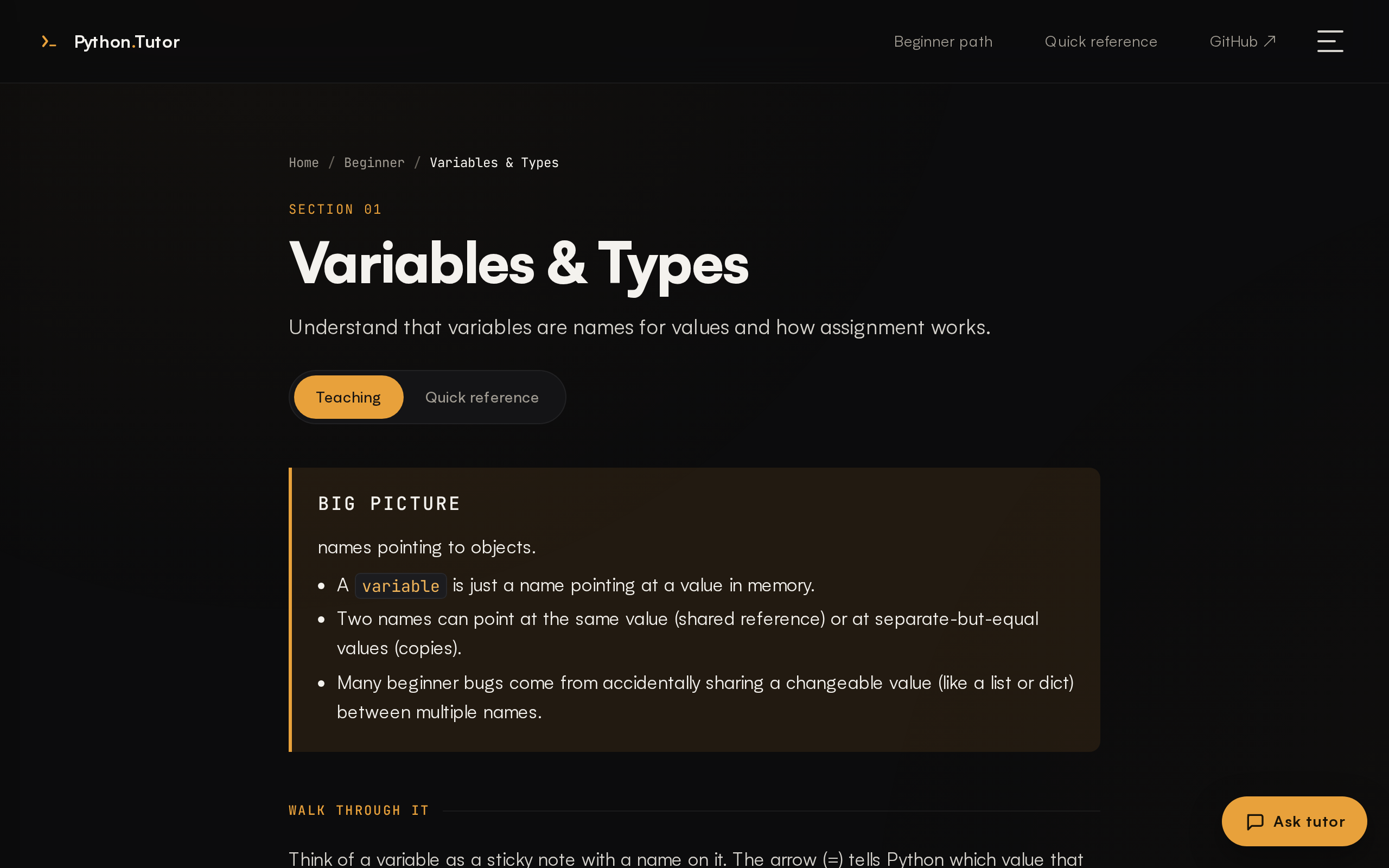
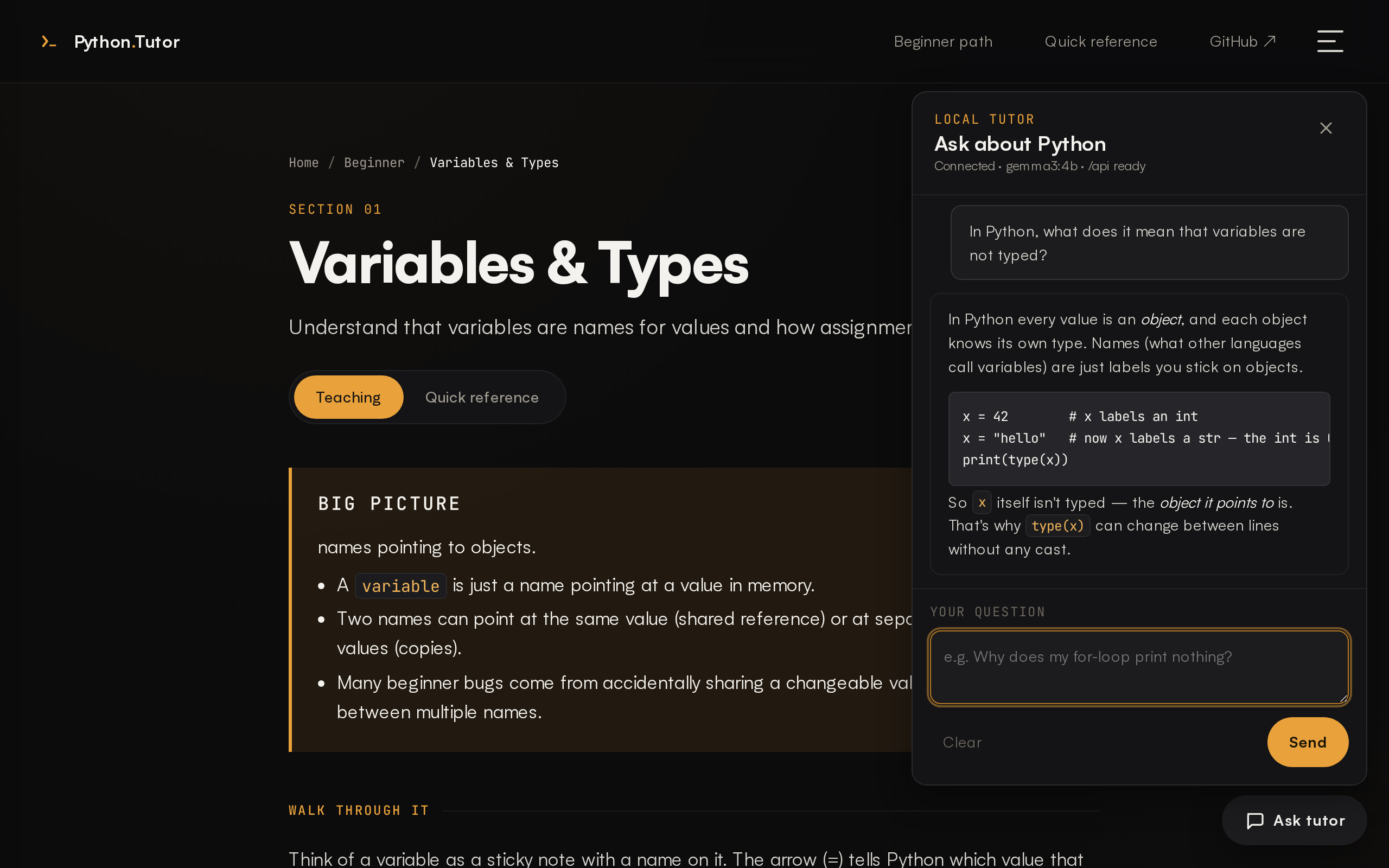
Variables & Types
Names point at values. Values know their own type — variables don't.
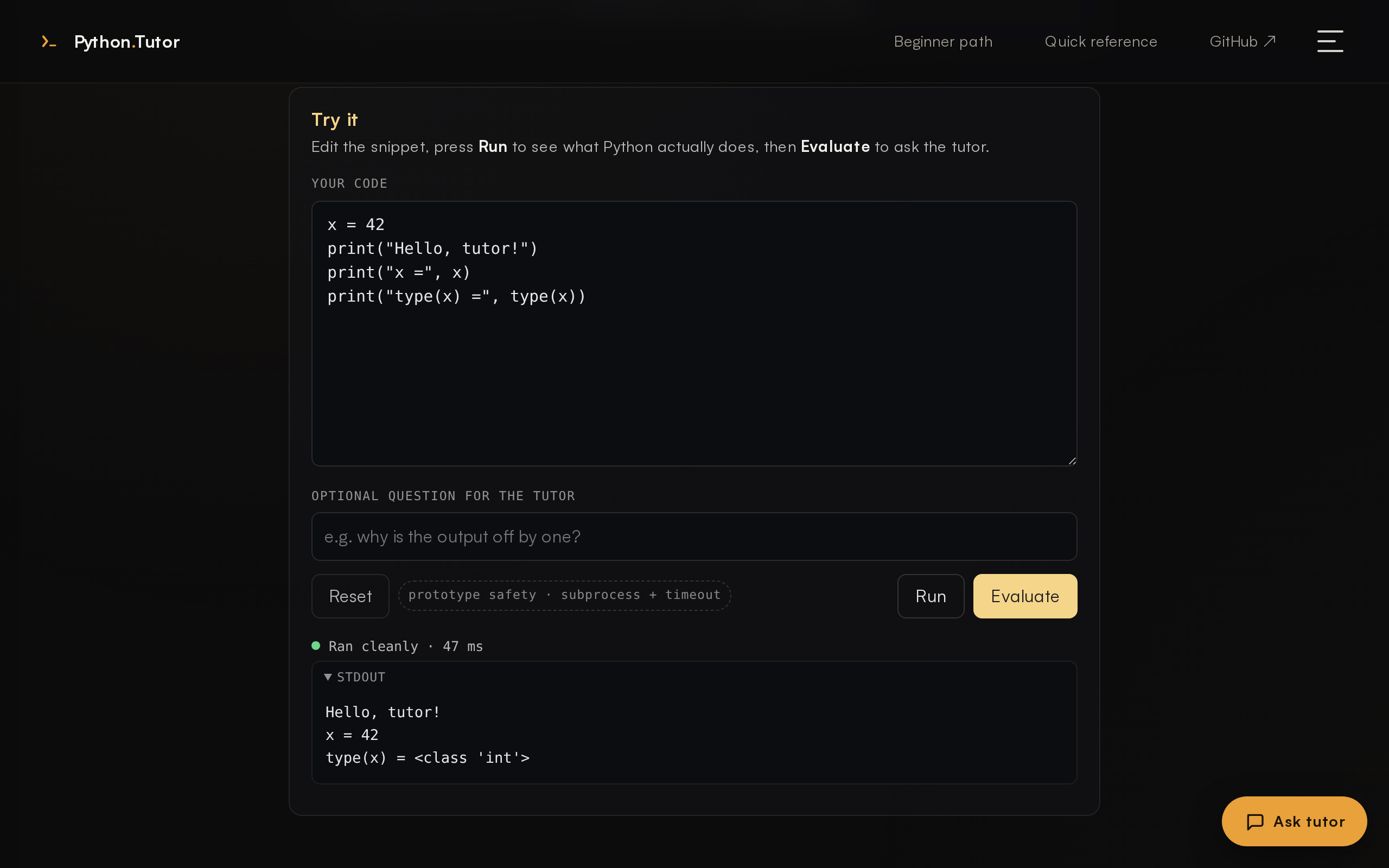
# try it
name = "Ada"
age = 36
print(name, age)
Ada 36
Built for learning, not for harvesting data.
-
Useful
A guided 46-section Python-foundations curriculum, an inline code lab that actually runs your code, and exercises with visible and hidden tests.
-
Private
The model runs on your machine via Ollama. No accounts, no cloud calls, no telemetry. Pull the plug — the UI keeps working.
-
Credible
The tutor cites only official Python docs from a curated allowlist. URLs are never invented by the LLM — they come from an in-repo map and are HEAD-checked when online.
The local-first loop.
Four steps. All of them happen on your laptop.
- 1 Write Python In a real editor, in the page.
- 2 Run locally Sandboxed subprocess. Real stdout, real stderr.
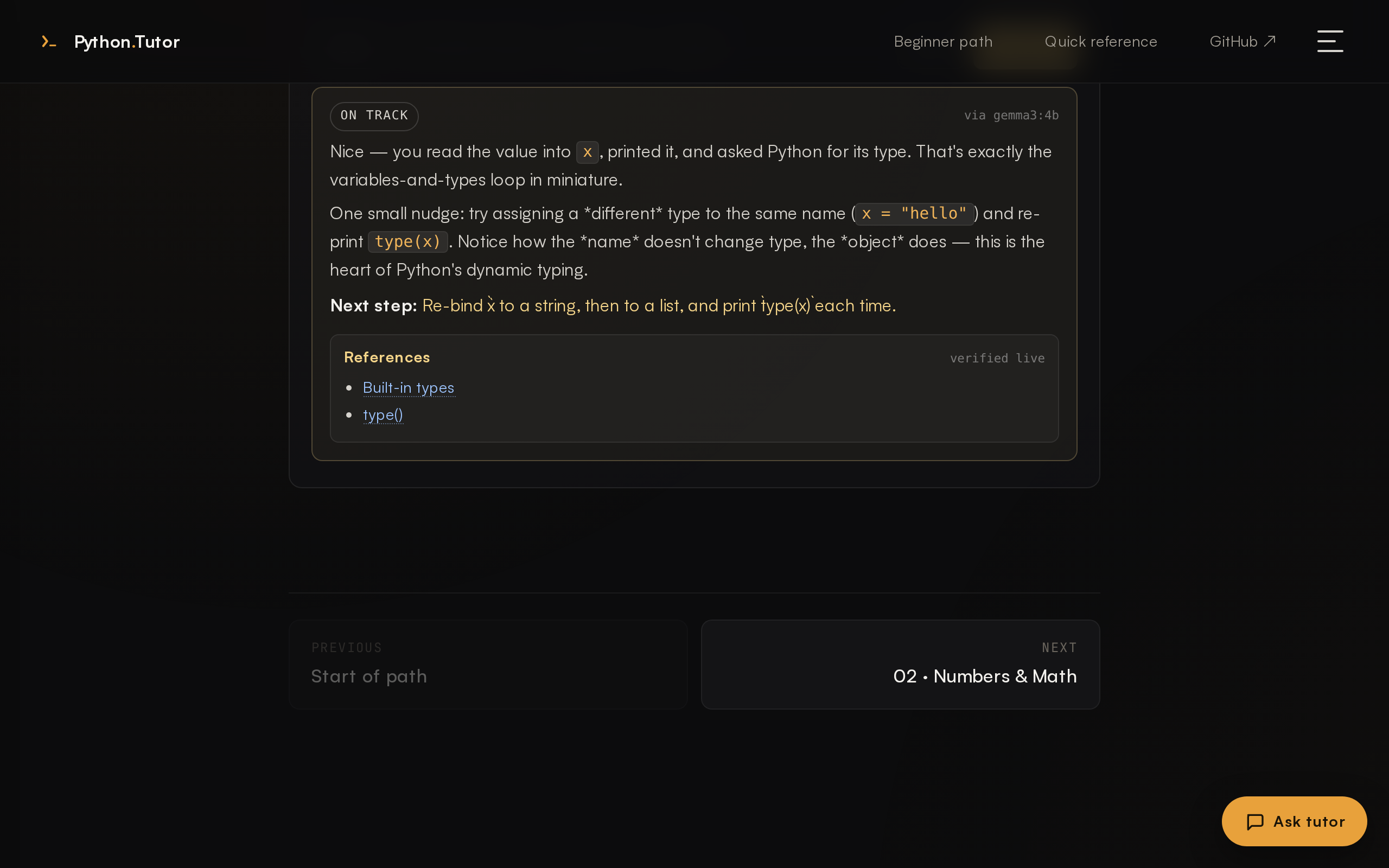
- 3 Get feedback Tutor sees your output, gives a verdict + a next step.
- 4 Offline practice Plane, café, air-gapped lab — same loop.
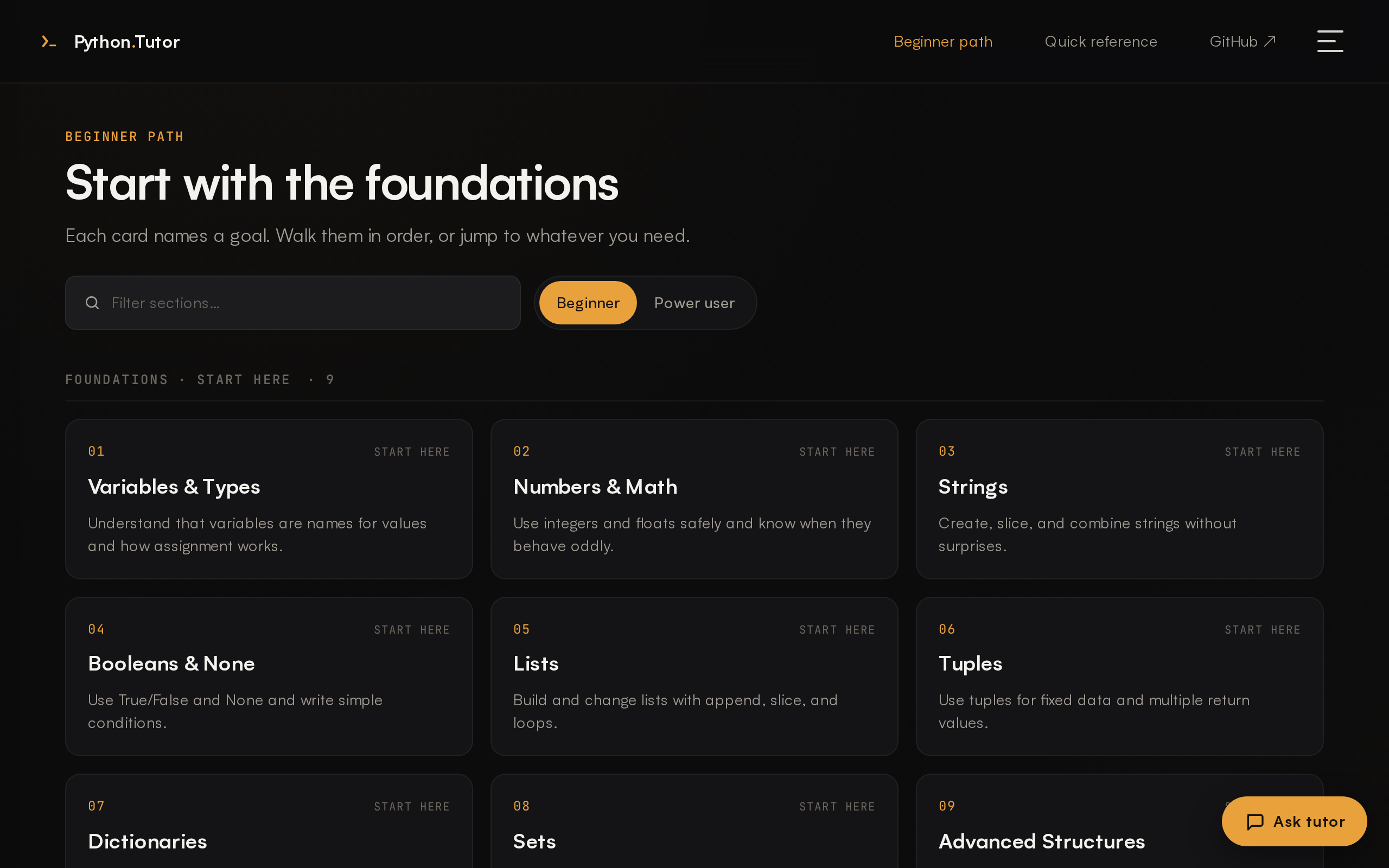
See it.
A 30-second tour of the UI, lab, and tutor.
Clone, install, run.
Three short commands and you're at
http://localhost:8001/.
macOS, Linux, or Windows. Python 3.10+.
-
1
Clone the repo
HTTPS works without a GitHub login.
gh repo cloneworks too if you use the GitHub CLI.git clone https://github.com/StewAlexander-com/python-tutor.git cd python-tutor -
2
Install
Sets up a Python venv and dependencies. Any host-level step (Ollama install, daemon start, model pull, app launch) is an opt-in y/N prompt — press Enter and nothing changes on your host.
macOS / Linux./install.shWindows (PowerShell).\install.ps1 -
3
Run & open in your browser
--open-browser/-OpenBrowserpops the tab once/api/healthis green.macOS / Linux./run.sh --open-browserWindows (PowerShell).\run.ps1 -OpenBrowserOr just
./run.sh/.\run.ps1and openhttp://localhost:8001/yourself.
Common variations
# trusted host: install Ollama, pull model, launch — no prompts
./install.sh --yes

# CI / air-gapped: never prompt, default everything to "no"
./install.sh --noninteractive

# Python-only setup (skip every Ollama probe)
./install.sh --skip-ollama

# pick a different model or port
./install.sh --model llama3.1:8b
./run.sh --port 8042# trusted host: install Ollama (via winget), pull model, launch
.\install.ps1 -Yes
# CI / air-gapped: never prompt, default everything to "no"
.\install.ps1 -NonInteractive
# Python-only setup (skip every Ollama probe)
.\install.ps1 -SkipOllama
# pick a different model or port
.\install.ps1 -Model llama3.1:8b
.\run.ps1 -Port 8042
# if PowerShell blocks the script:
powershell -ExecutionPolicy Bypass -File .\install.ps1